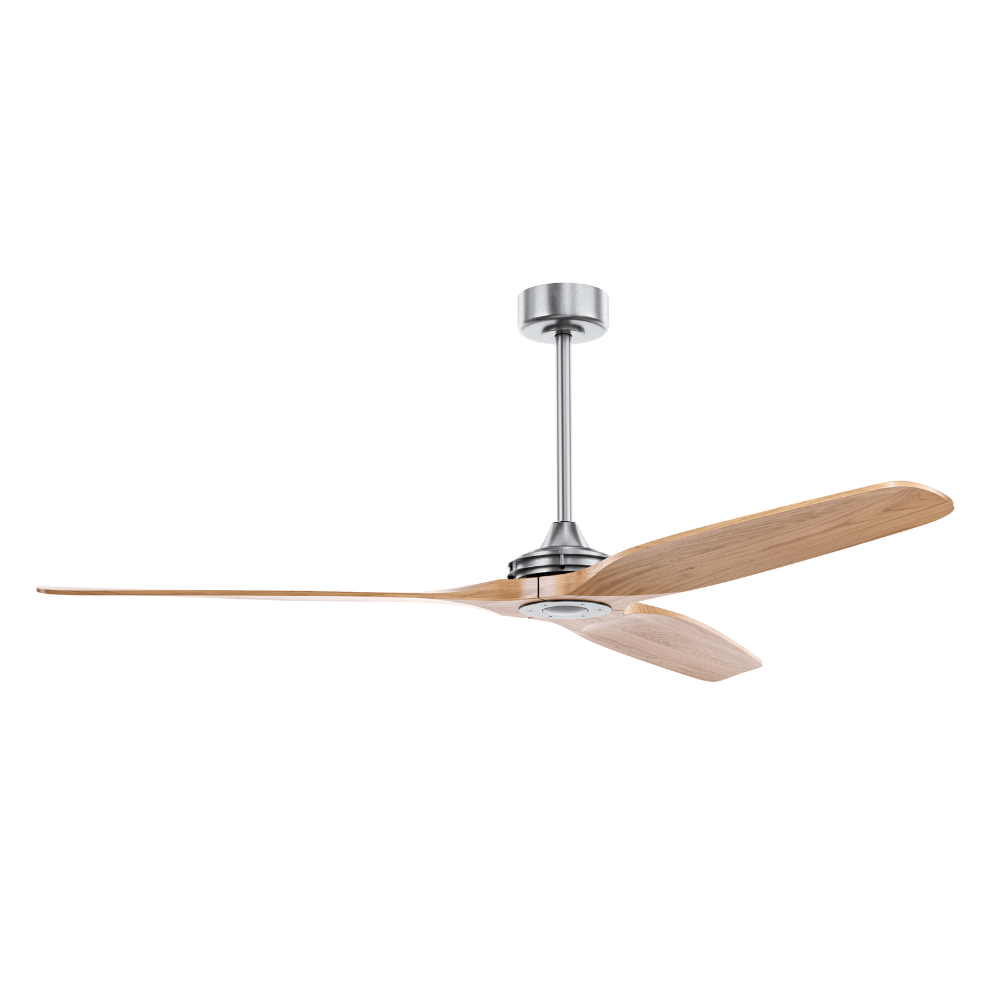
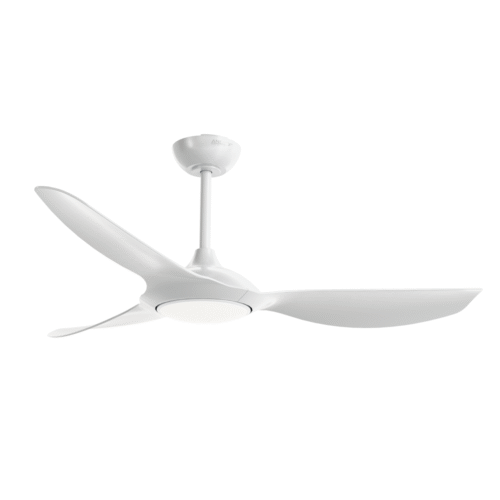
Boreas is a wooden ceiling fan built in DC motor for silent operation.
Power Supply: 220V/50Hz or 110V/60Hz Sizes: 1.32 m Material: ABS blades, iron rod, copper motor, and PMMA cover Control: Remote control, wall control and Wi-Fi Module Sound Level: <42 dB Warranty: 3 years
230,00 €–730,00 €Price range: 230,00 € through 730,00 €
Five color options to choose from: white, bronze, golden, dark and nickel
4 diameter options: from 100 cm to 250 cm
Remote control included
Wi-Fi control module available
6 speeds
Shut-off timer
Reverse/winter mode
DC motor for quiet operation
IP44 protection rating
Design & aesthetics
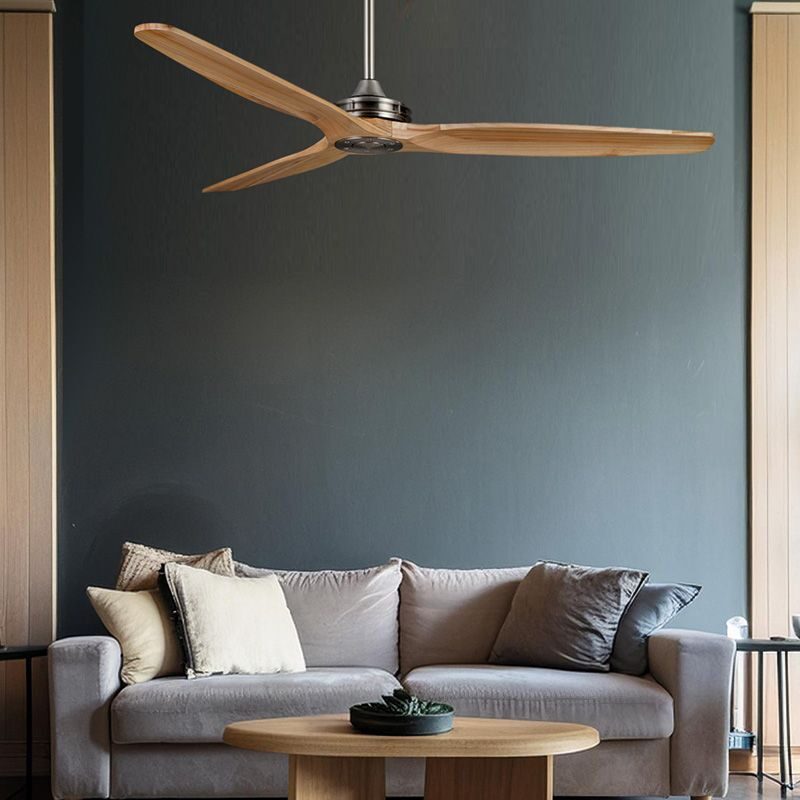
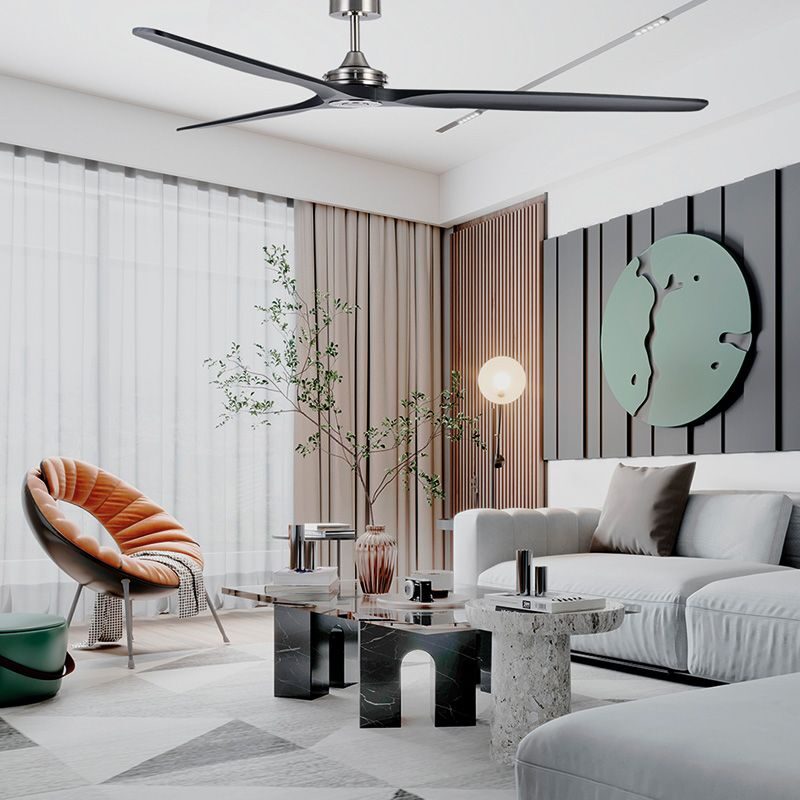
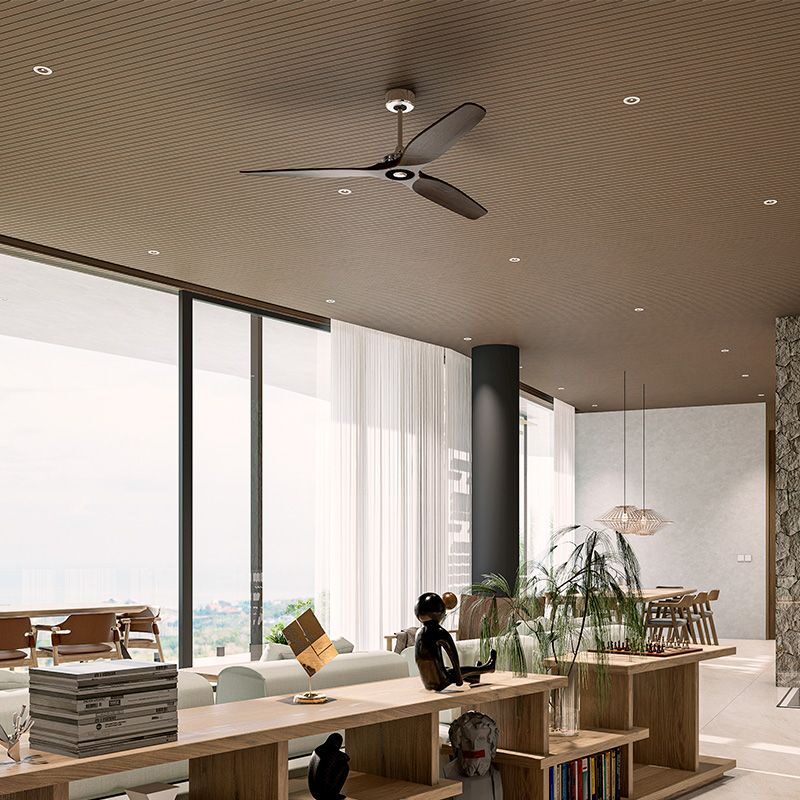
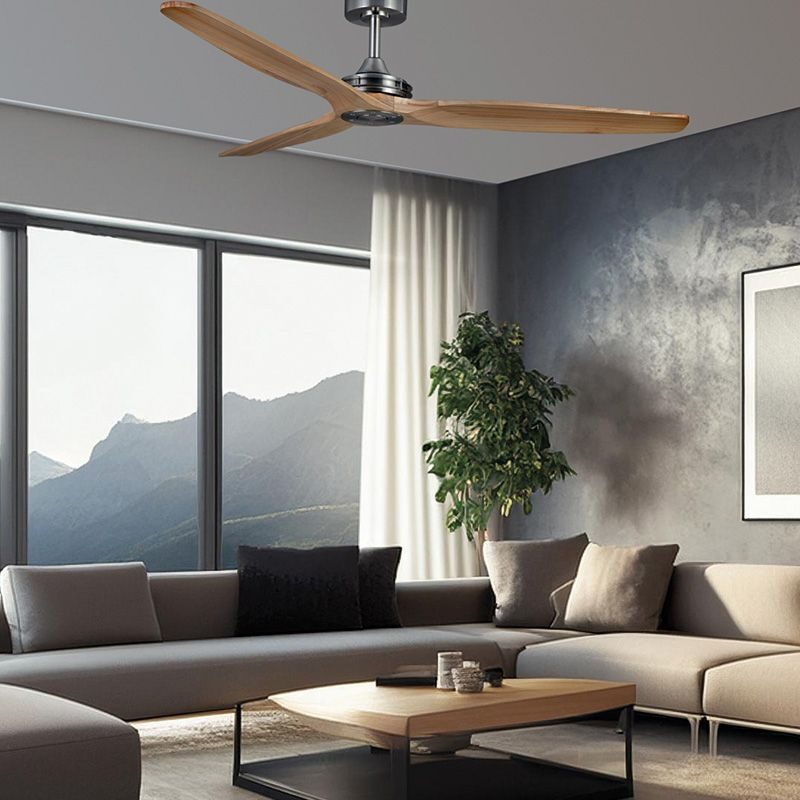
Boreas is Anemoi’s wooden ceiling fan of choice for carefully designed environments with high demands. The modern design and the different colour options make this ceiling fan extremely adaptable.
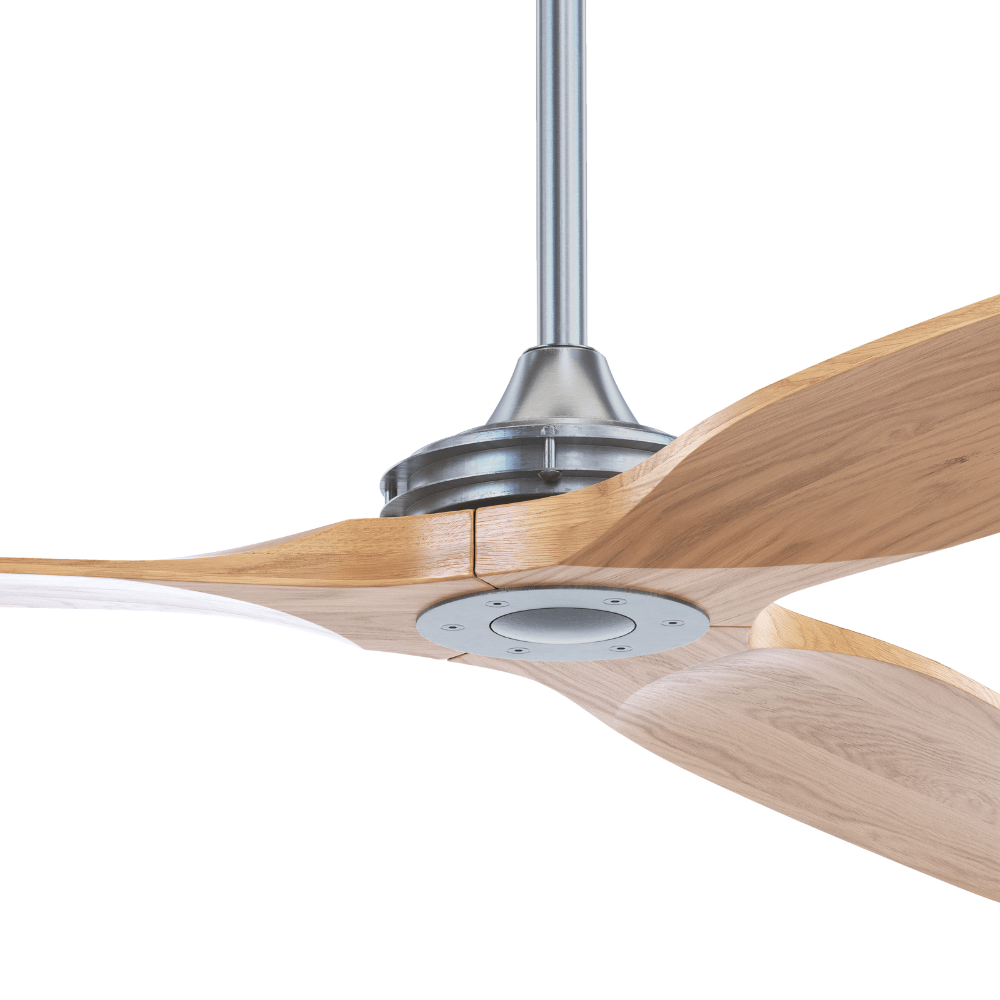
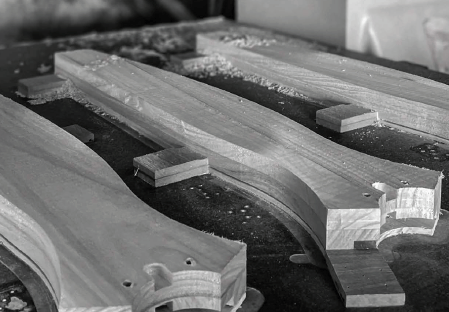
The wood’s pronounced grain and natural pores enhance the hand-stained finish, highlighting its authentic texture.
Wooden blades
The blade comes in dark wood, light wood, white and black and in four diferent sizes to choose from. All the timber fan blades are treated with UV coating to withstand long-term usage, as well as to provide a protective layer that allows easy cleaning.
Boreas wooden ceiling fans have FSC Forest Management Certification which means the biodiversity of the forests has been preserved and forestry-responsible environmental management has been carried out when collecting the wood for the blades.
DC Motor: Maximum Efficiency
The Boreas fan is equipped with a DC motor that reduces energy consumption while ensuring ultra-quiet operation for enhanced comfort.
Its lightweight blades generate excellent air circulation, and their optimized design improves overall room ventilation by maximizing airflow.
Wooden ceiling fan control options: total comfort
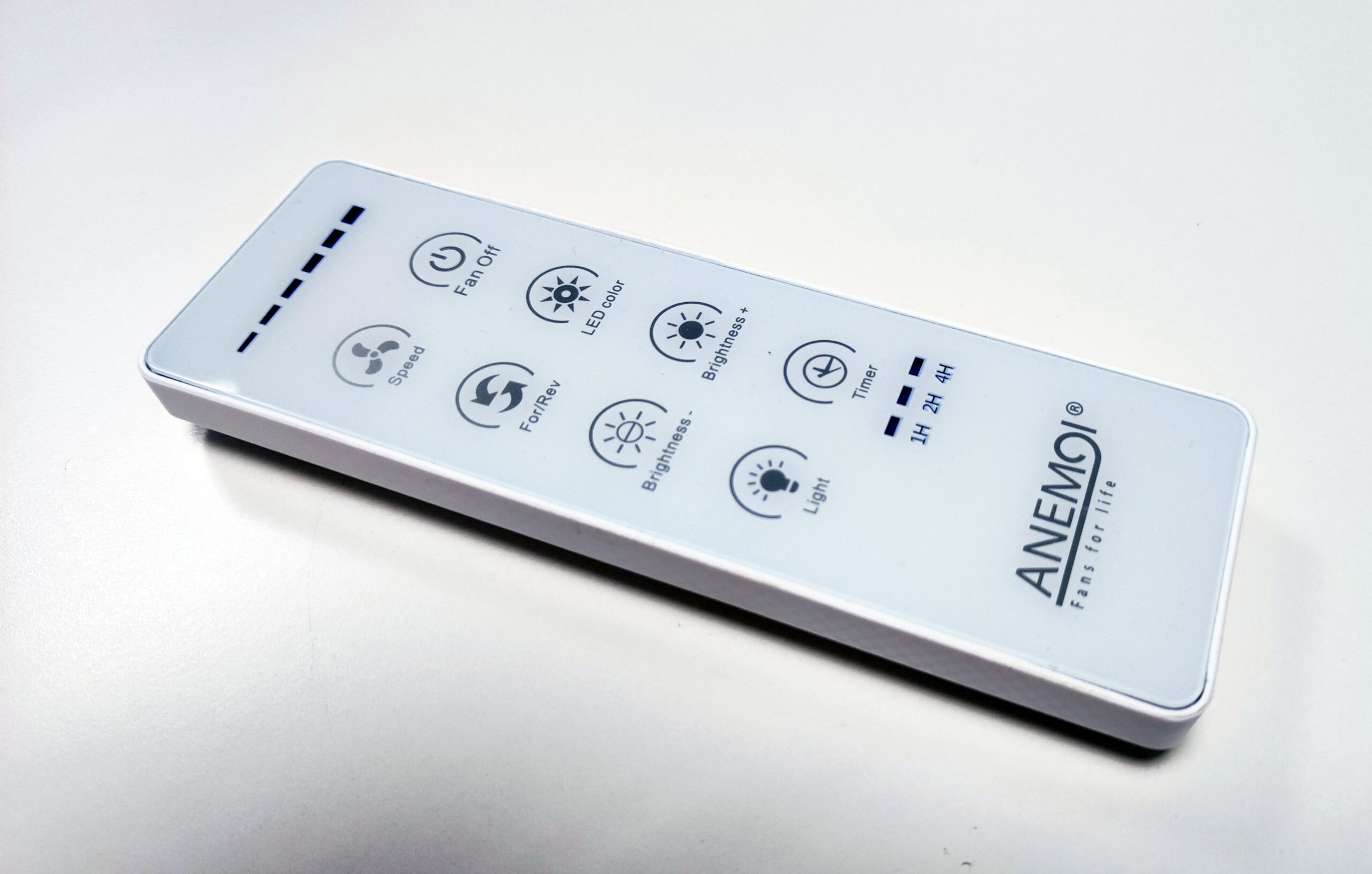
Boreas comes with a remote control as standard. Optionally, this modern wooden ceiling fan can be supplied with Wi-Fi control.
The smart Wi-Fi control can be added as a standalone module installed in the existing receiver.
Wi-Fi Installation Guide
To get started, all we need is a mobile phone and the fan’s remote control. Follow these steps:
Step 1: Download the app. First, go to your mobile device’s app store and download the Tuya Smart app.
Step 2: Turn on the fan. Once the app is installed, connect the fan driver to the power supply. You will hear a beep indicating that the unit is receiving power and is ready to pair.
Step 3: Pair the fan in the app. Open the Tuya app and tap the PLUS (+) symbol in the top-right corner to add a new device or fan.
Step 4: Pairing mode. While the app is searching for devices, take the fan’s remote control and press and hold the light power button for a few seconds.
Within a few moments… the fan will automatically appear on your mobile phone screen. Select it, and that’s it! The fan is now paired.
Benefits and Features of Wi-Fi Integration
From this point on, the Wi-Fi module allows us to control everything from our mobile phone with much greater convenience. What can we do?
Full lighting control: We can turn the light on and off and even adjust the different colour temperatures (warm, neutral or cool).
Smart scheduling: We can set a timer so that the fan switches off automatically whenever we want, for example, at night.
Ultimately, it makes everyday use much easier and gives us the peace of mind of having full control of the unit at all times.
Rod Extension
This ceiling fan comes with 12.5cm and 25cm rod extensions. Additionally, 60cm, 90cm and 120cm rod extensions can be supplied.
Easy installation
At Magnovent, all our products include an installation manual. We show you how to install a ceiling fan easily, quickly and safely.